


Tutorial 1 of 4: Start Your Report
Start Your Report
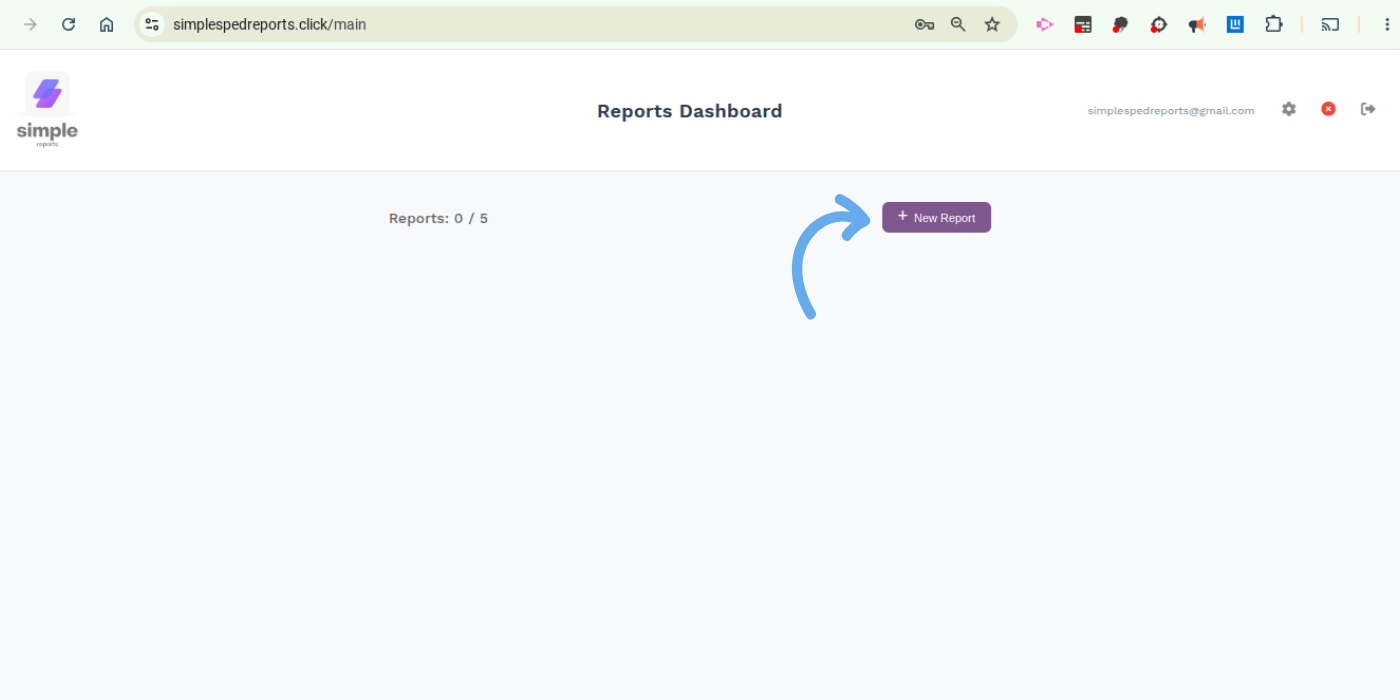
Log in and click new report. Your report will show automatically, in a new tab in your browser window.
Click “New Report”
From your dashboard, click the New Report button to get started.
Ready for the Next Step?
Tutorial 2: Completing Report Sections
Learn how each section works and what information to include.